A closet
Tops, bottoms, dresses, outerwear, shoes, and accessories. Tag color, season, and formality.
A daily edit from your closet
Photograph the clothes you already own. Tag them. Ask for a complete look for the occasion and the weather. The closet stays on your iPhone or iPad.
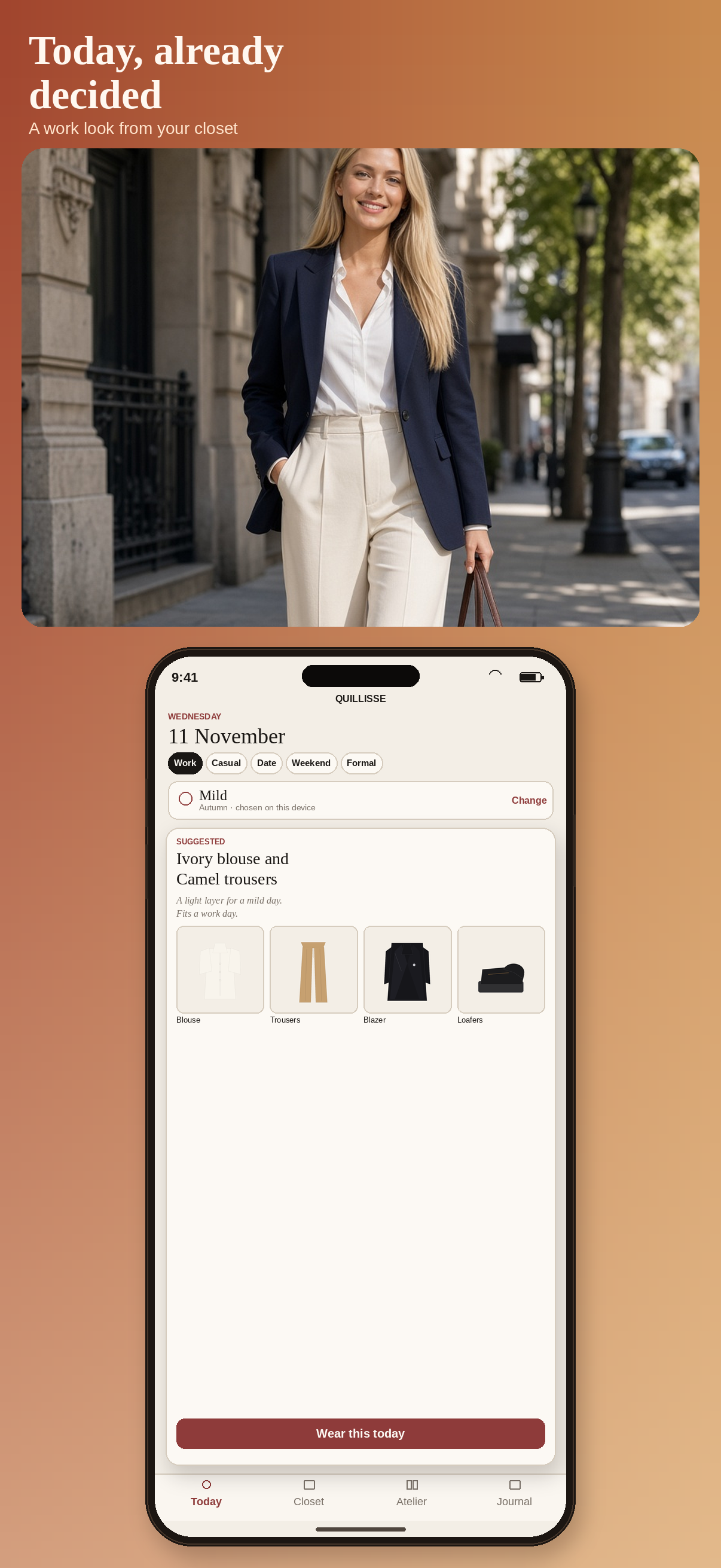
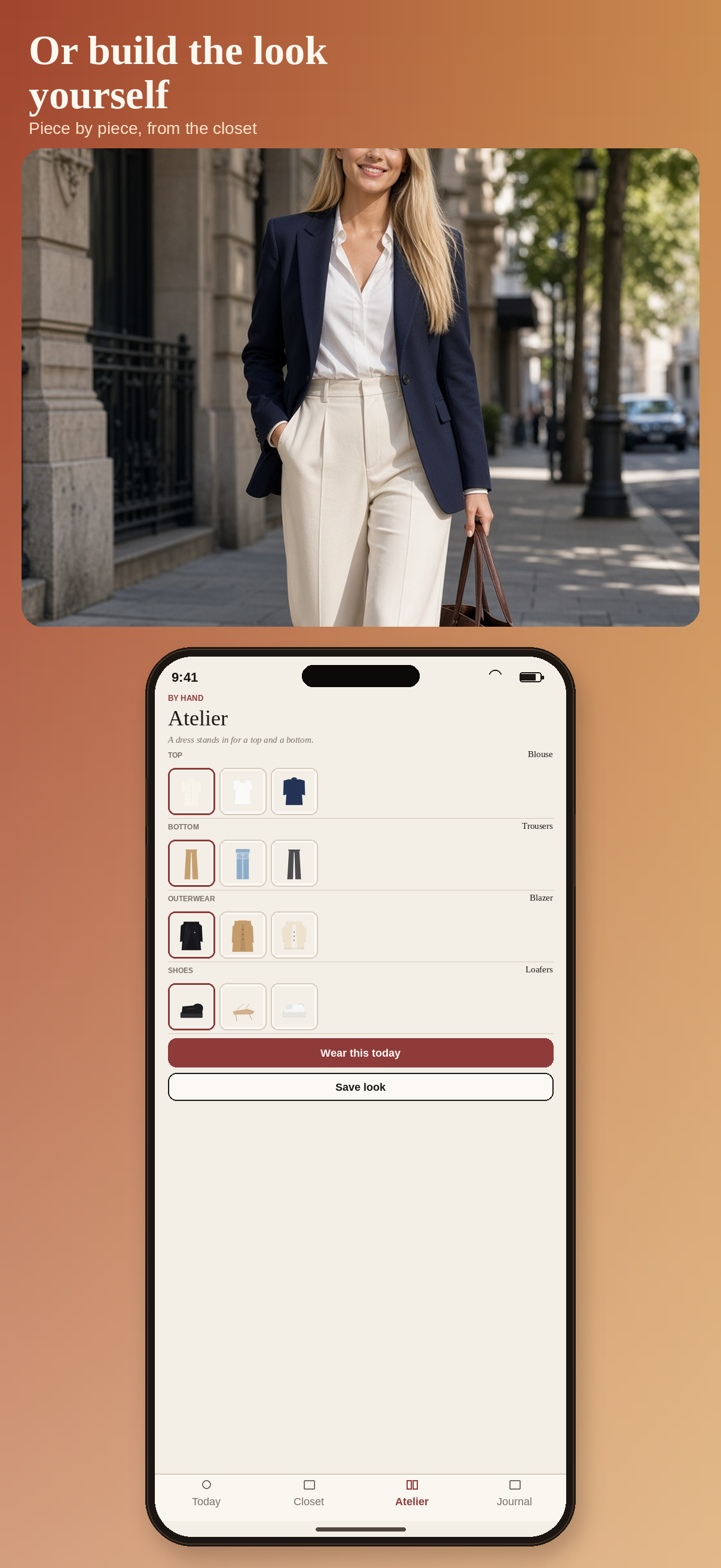
These are the App Store images for Quillisse. Each one shows the screen and the kind of day it is for.
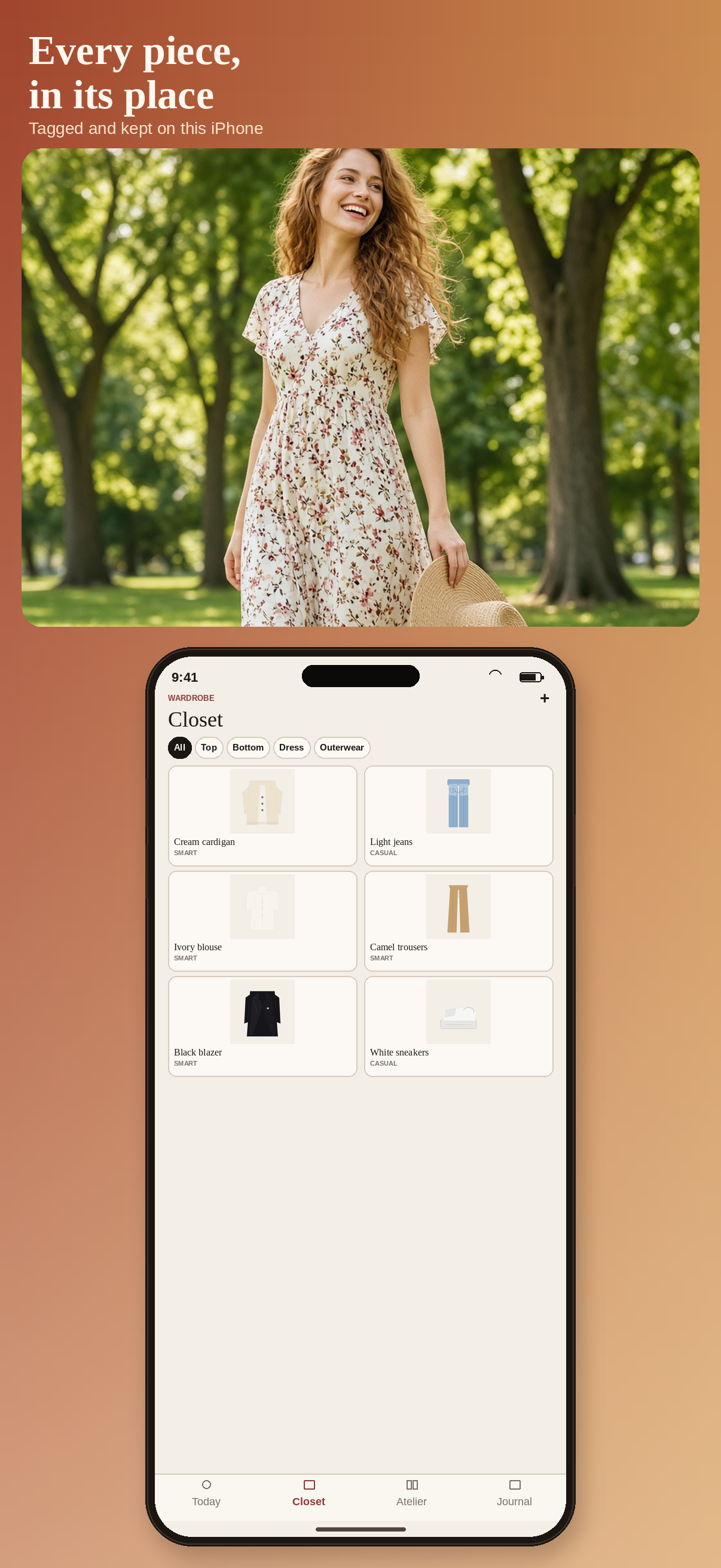
Tops, bottoms, dresses, outerwear, shoes, and accessories. Tag color, season, and formality.
A complete look for work, casual, a date, the weekend, or something formal. Wear this today logs it.
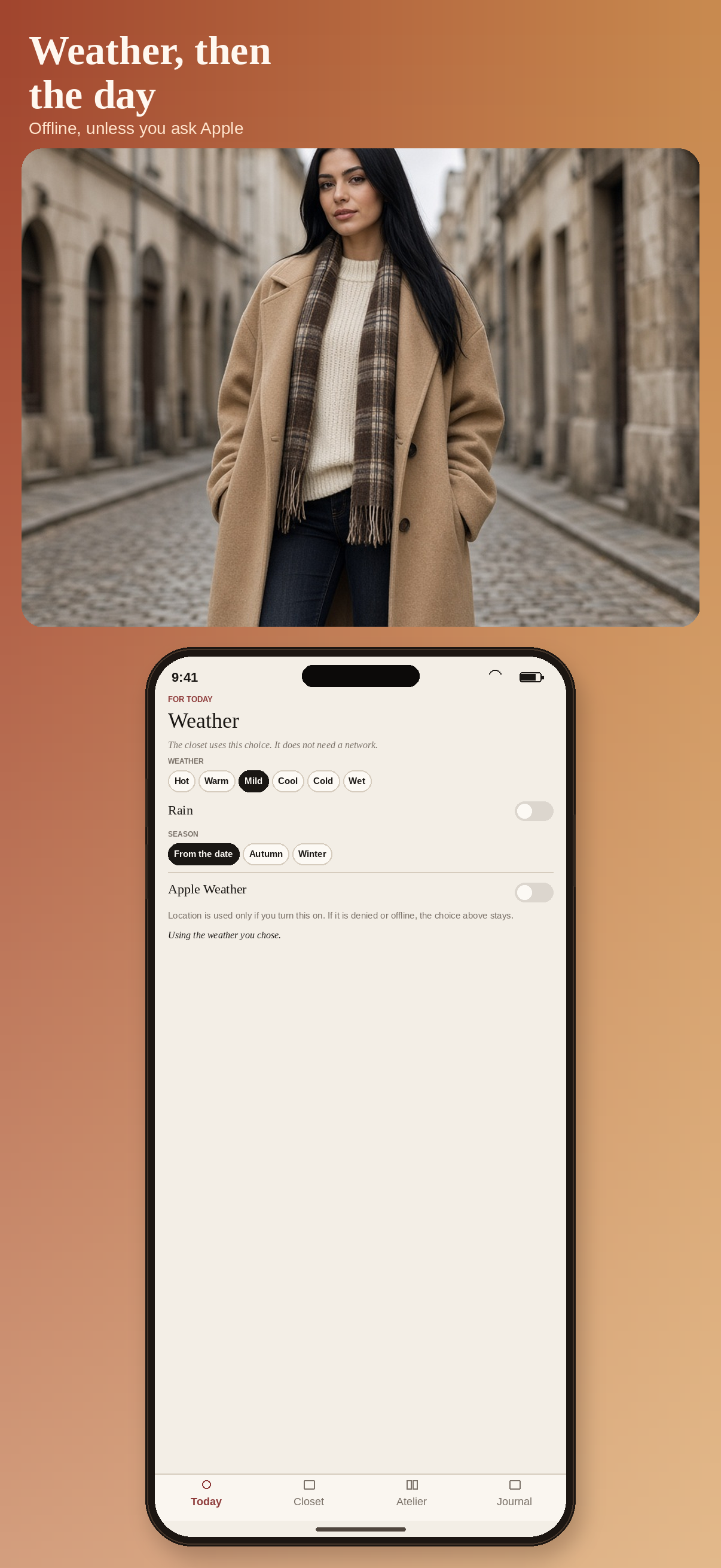
Hot, mild, cold, rain. Apple Weather is optional. If location is off, or you are offline, the manual choice is used.
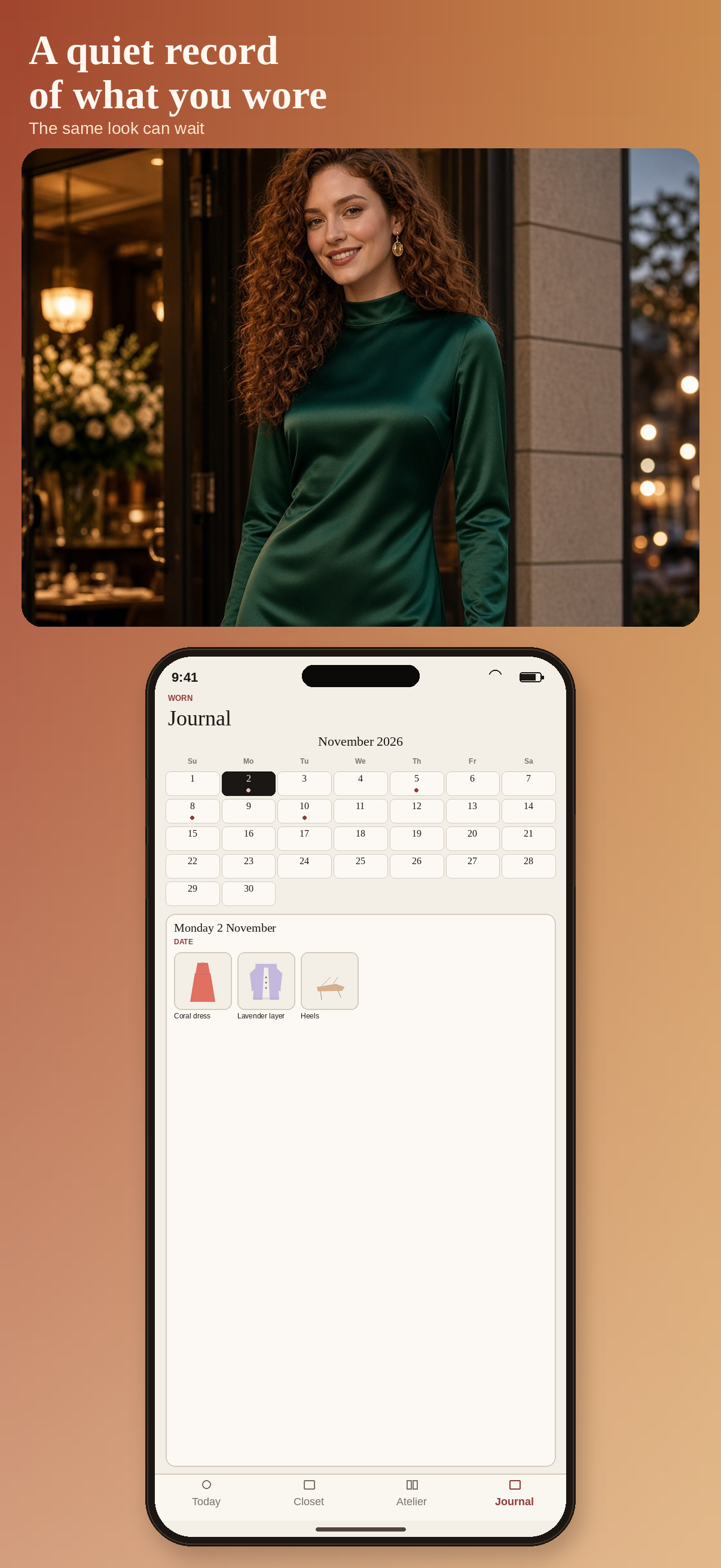
What you wore stays on a calendar, so the same look is ranked lower for a few days.
No account. No upload of closet photos. Camera and Photos are used only to catalog clothes you choose to add. A copy goes to Photos only when you tap Save to Photos. Location is asked only if you turn on Apple Weather, and the place is not stored. If you allow tracking, a page you open can measure which campaign brought you here.
Suggestions sort the clothes you own. They are not a stylist, and not a shopping list. Questions: sadatsule1234@icloud.com.